

Software · AI · Machine Learning
Computation applied to the
built environment.
Neosphyr builds software for the places where engineering decisions meet data: architecture, engineering and construction, and financial markets. Today that means five production tools for Autodesk Revit.
The discipline
Software, AI and machine learning
We build with the tools of computation — geometry, rule engines, data pipelines and machine learning — and apply them where the domain is hard and the stakes are real.
Where we apply it — today
Architecture, engineering, construction
Five shipping Revit plugins for coordination, model information and review. They are rule-based and geometric: what they report, they can show you the working for.
Where we are heading
Financial markets
The same discipline — structured data, models, and decisions that have to be defensible — applied to financial markets. Nothing to announce yet.
What we ship today
Five Revit tools, each doing one job properly.
Every product is licensed separately and runs inside Revit 2024 to 2027. Start with the one that matches the work in front of you.

BWIC Compliance
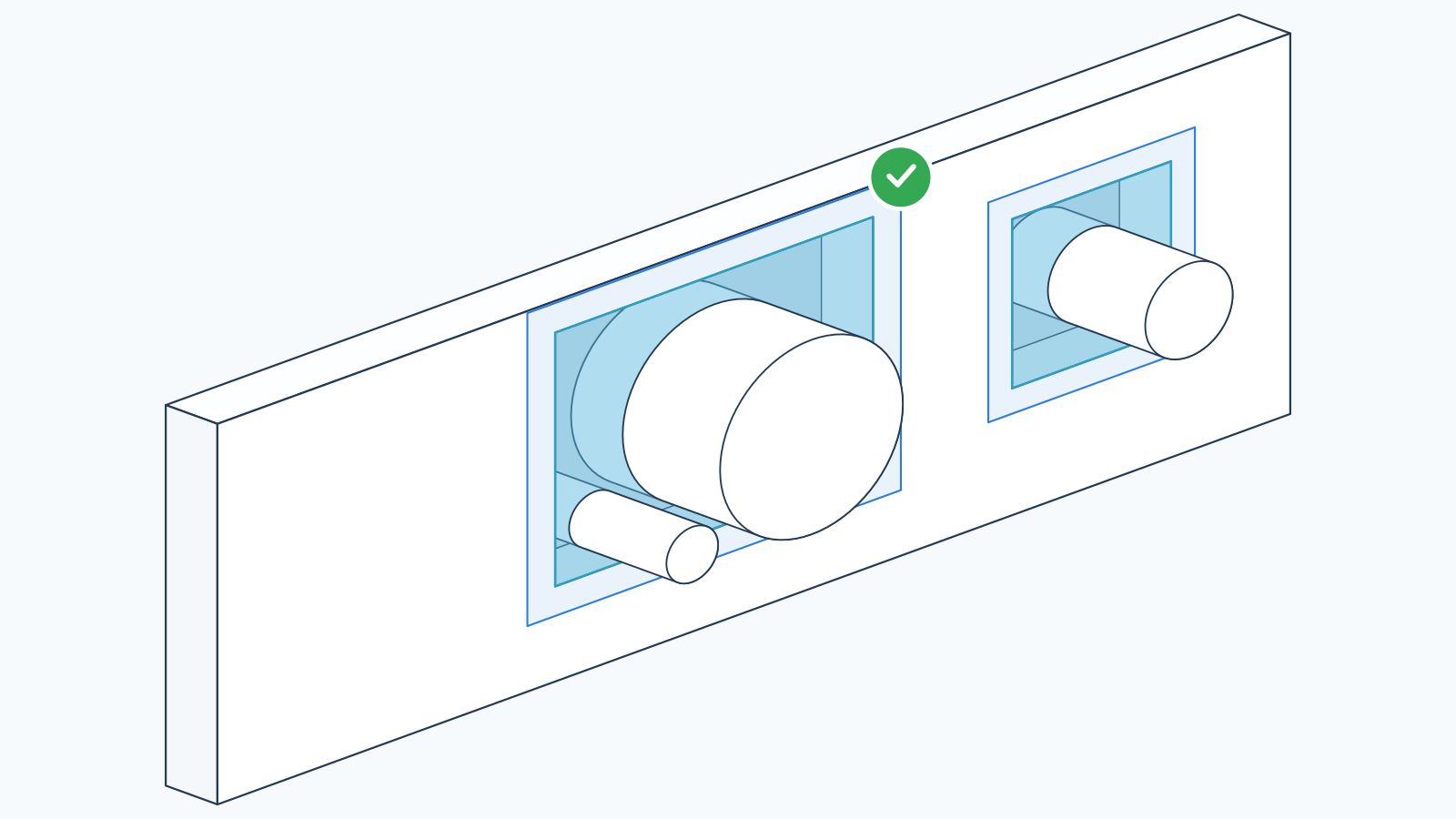
Checks opening and service configurations against documented Tested Systems.
Explore BWIC Compliance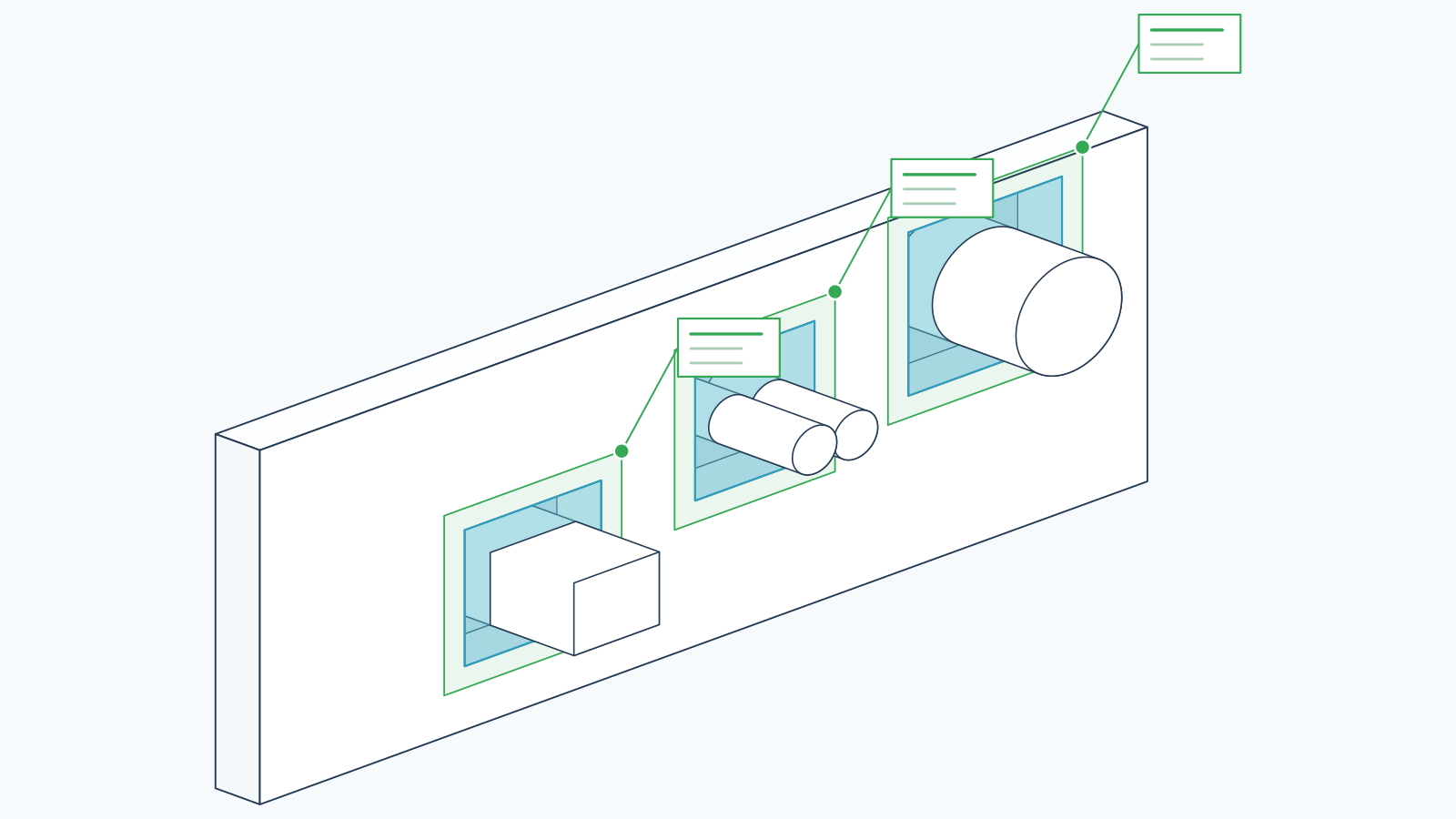

BWIC Extractor
Finds the MEP services running through BWIC openings and gets the data out.
Explore BWIC Extractor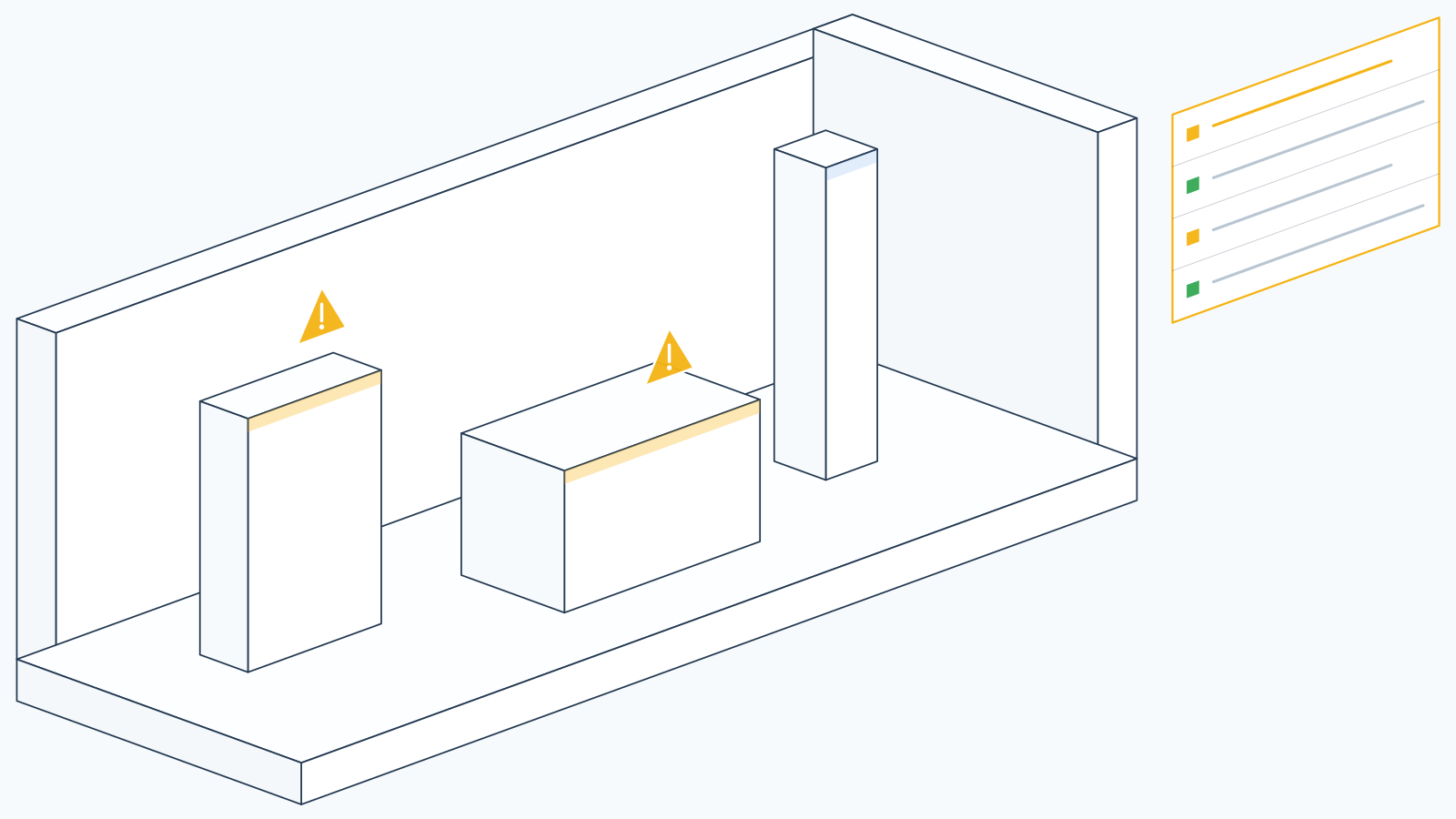

Model Inspector
Runs diagnostic checks on model information and surfaces quality issues.
Explore Model Inspector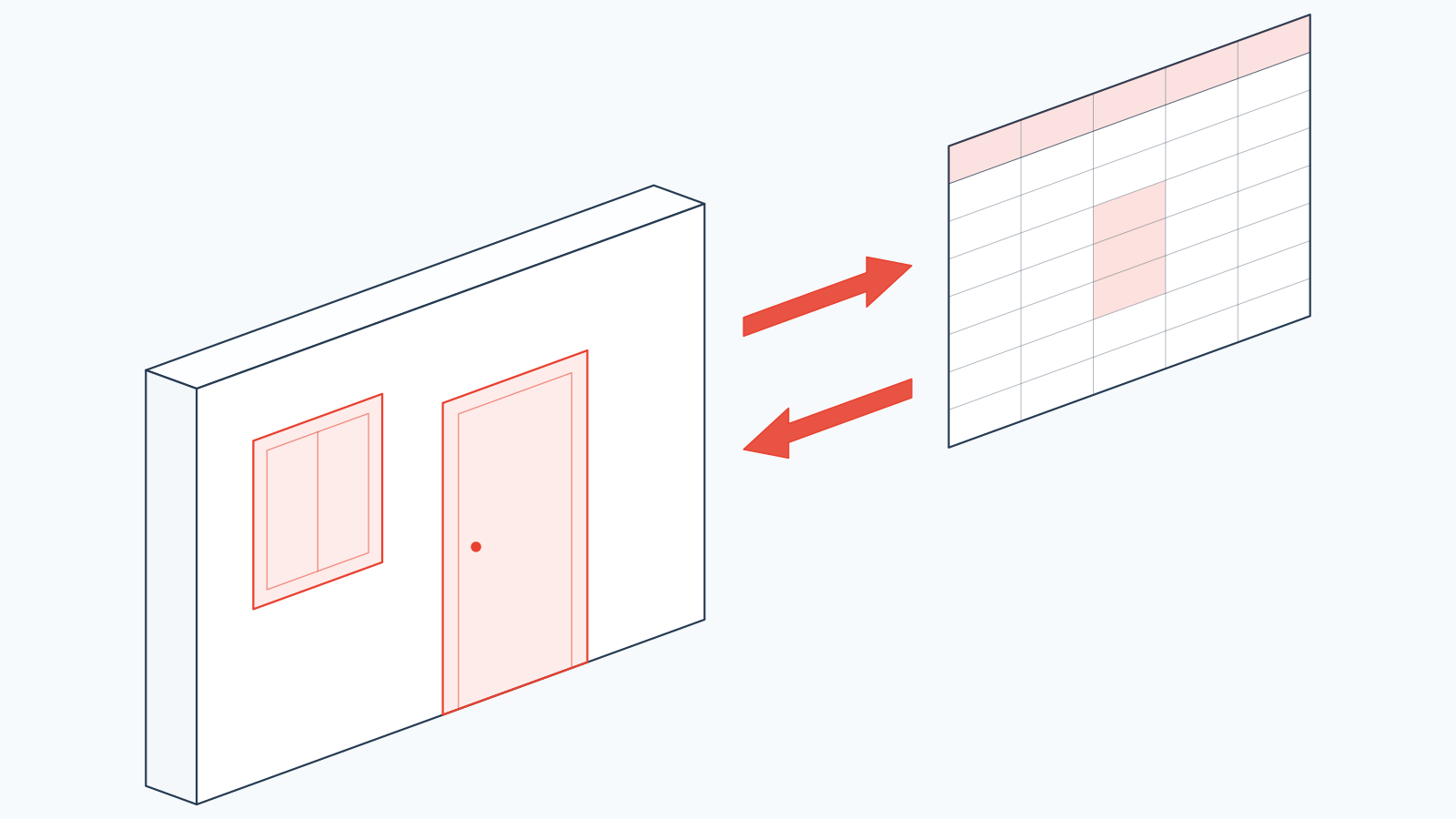
Parameter Exchange
Moves parameter data between Revit and Excel, in both directions.
Explore Parameter Exchange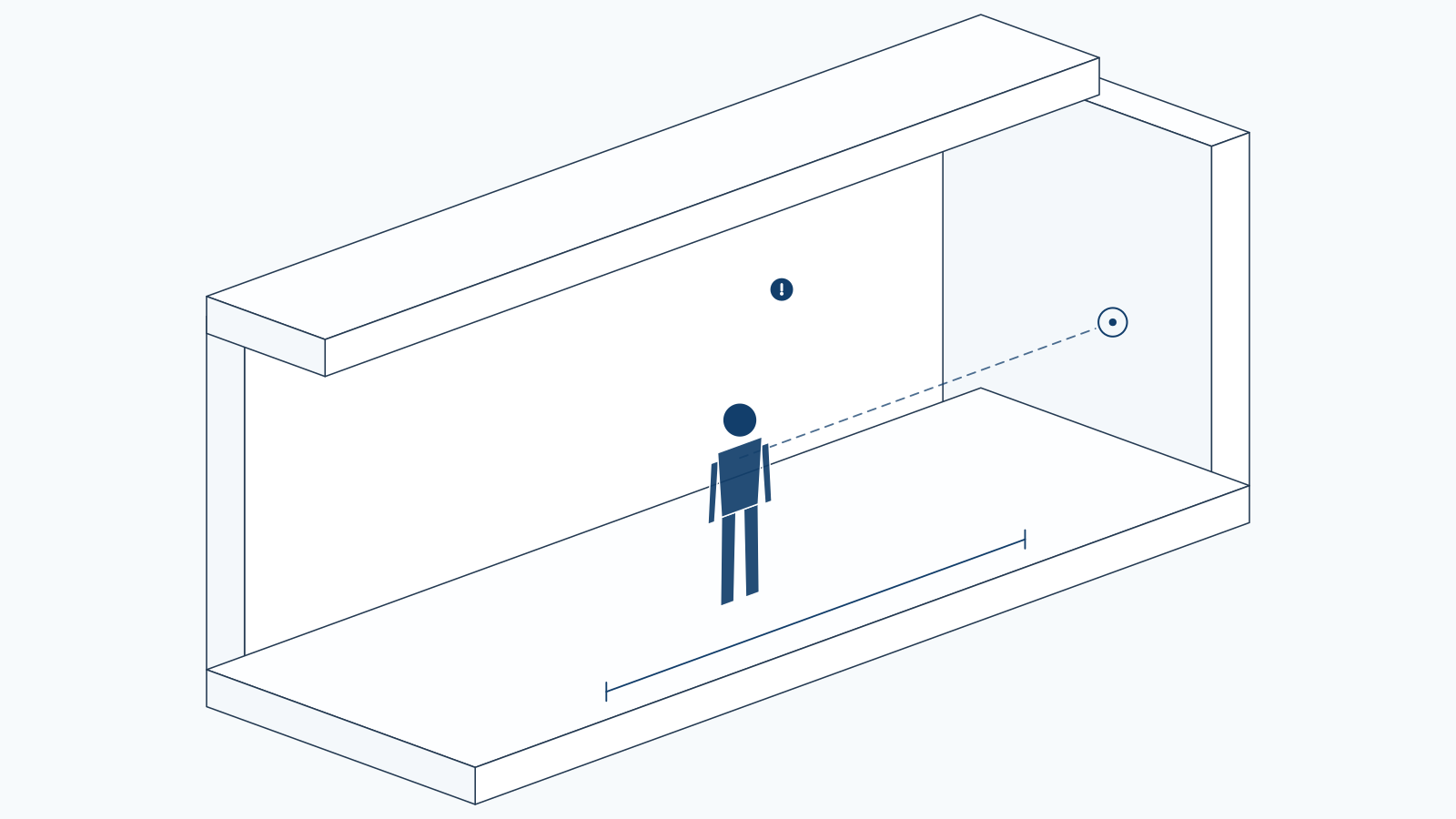

Avatar
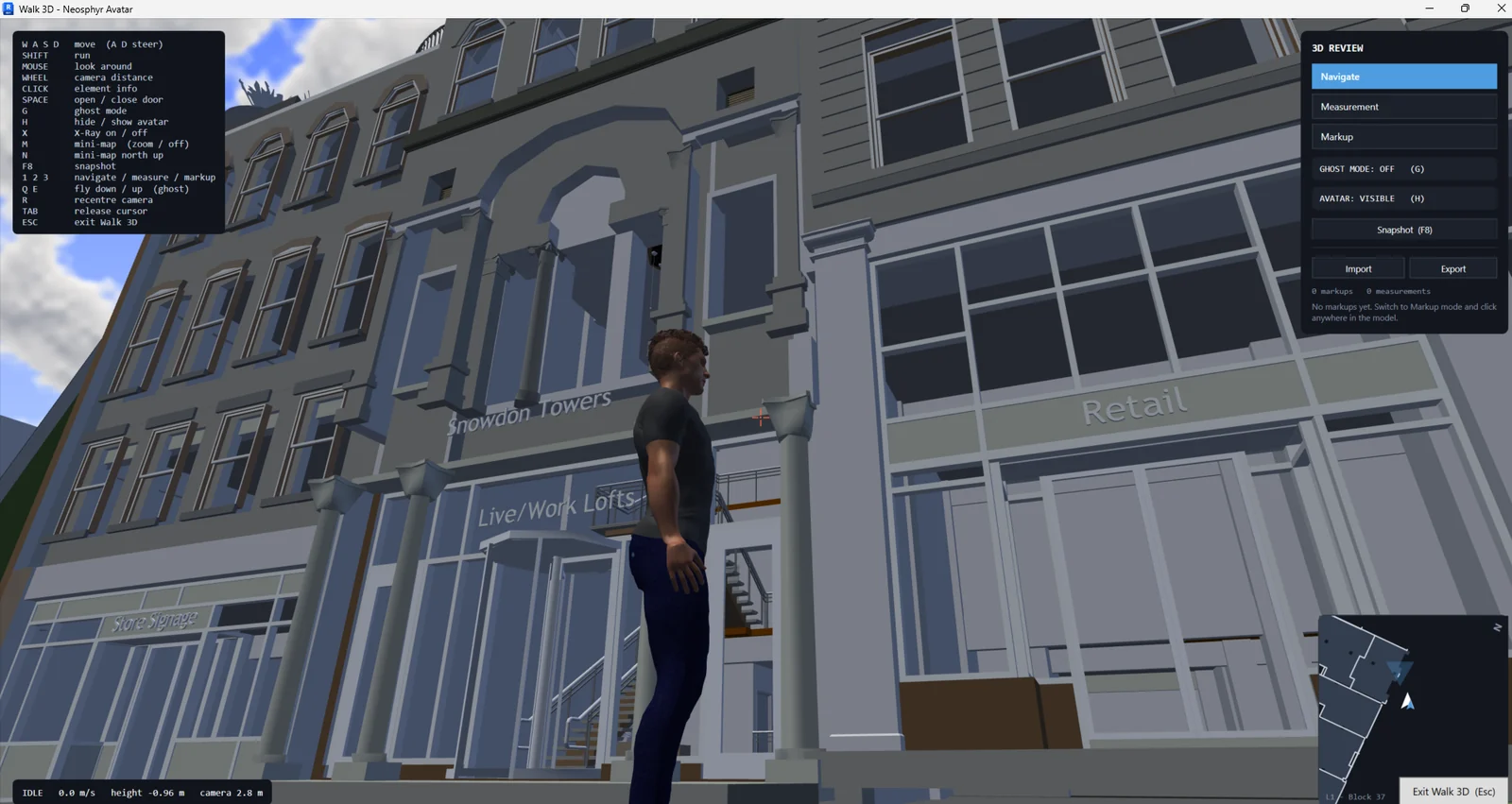
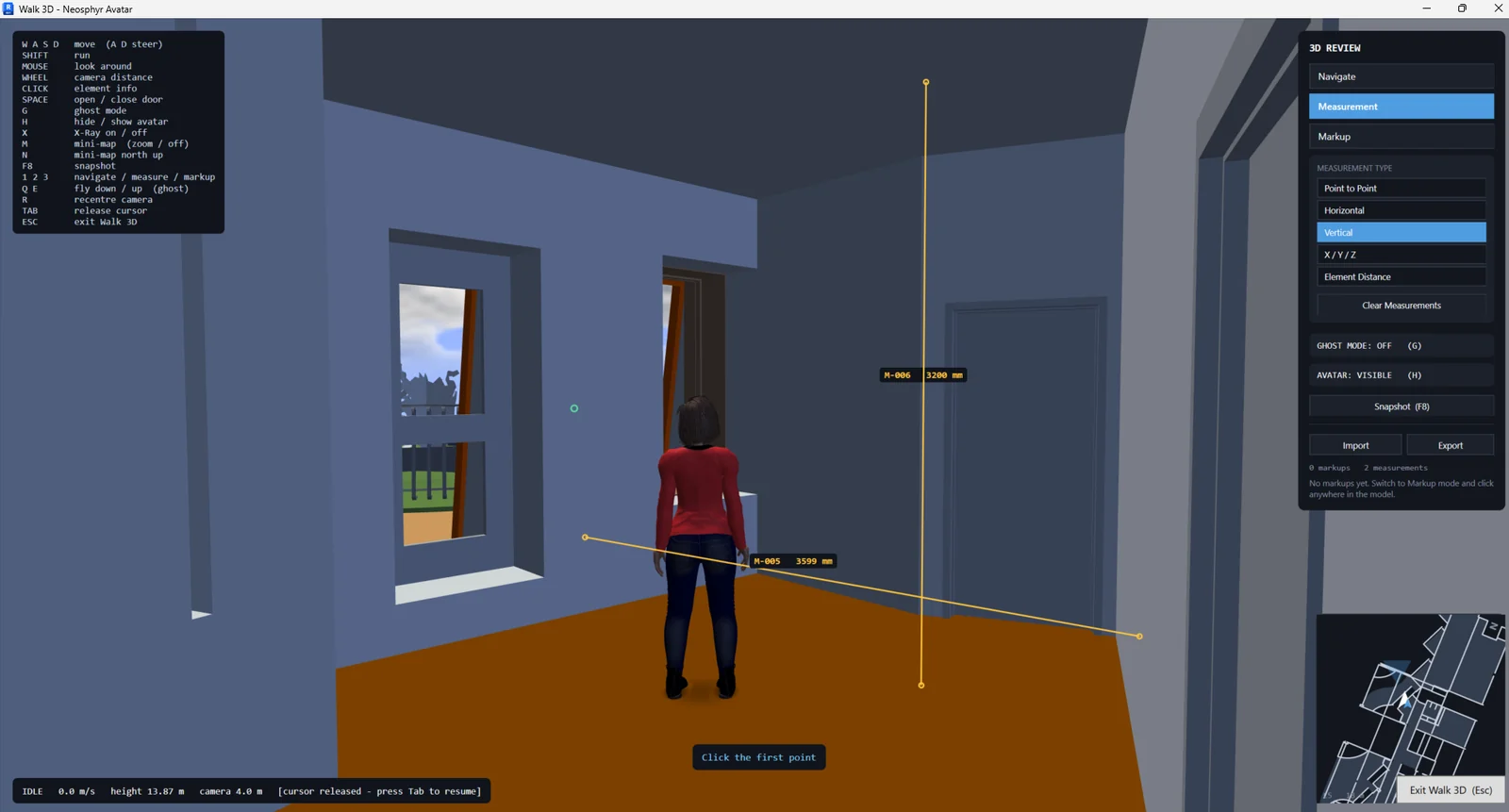
Walks the model at eye level, and turns what you find into measurements and BCF issues.
Explore AvatarFlagship
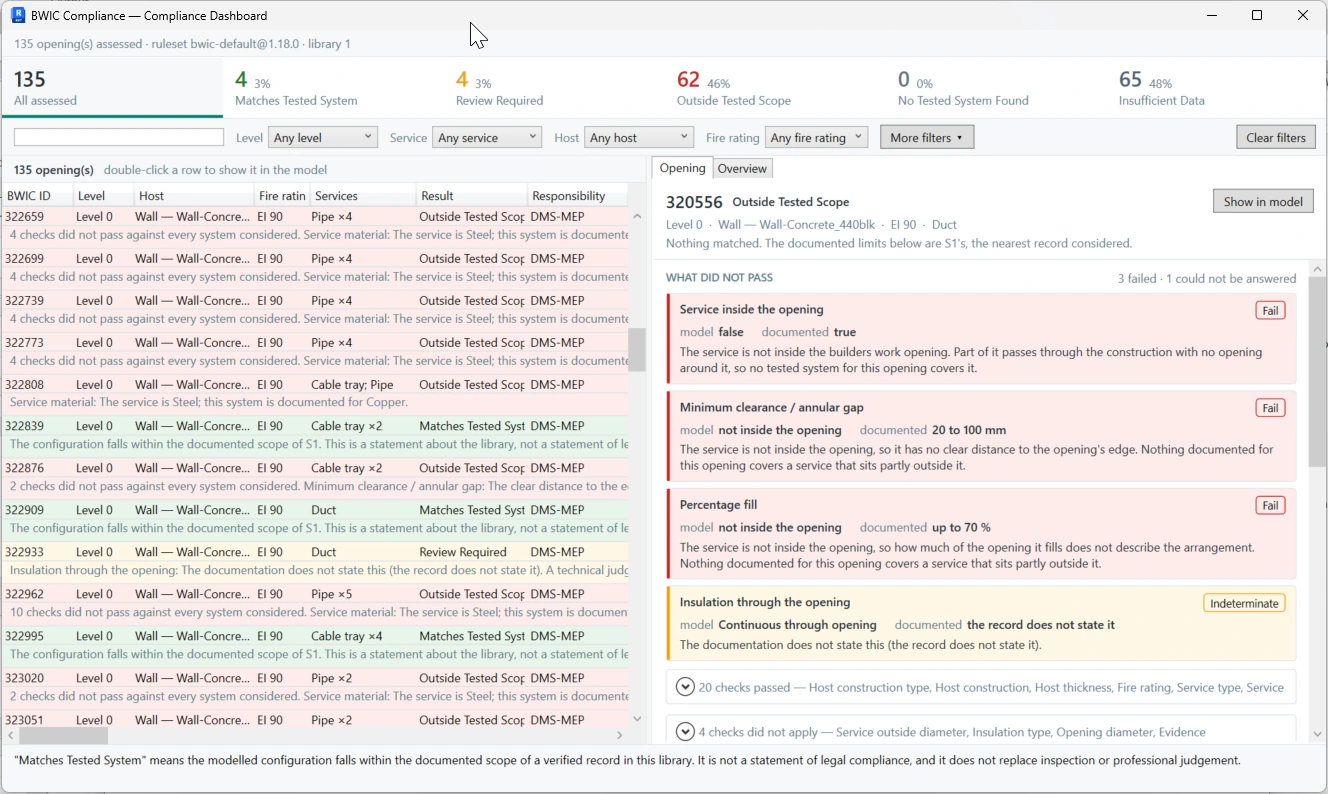
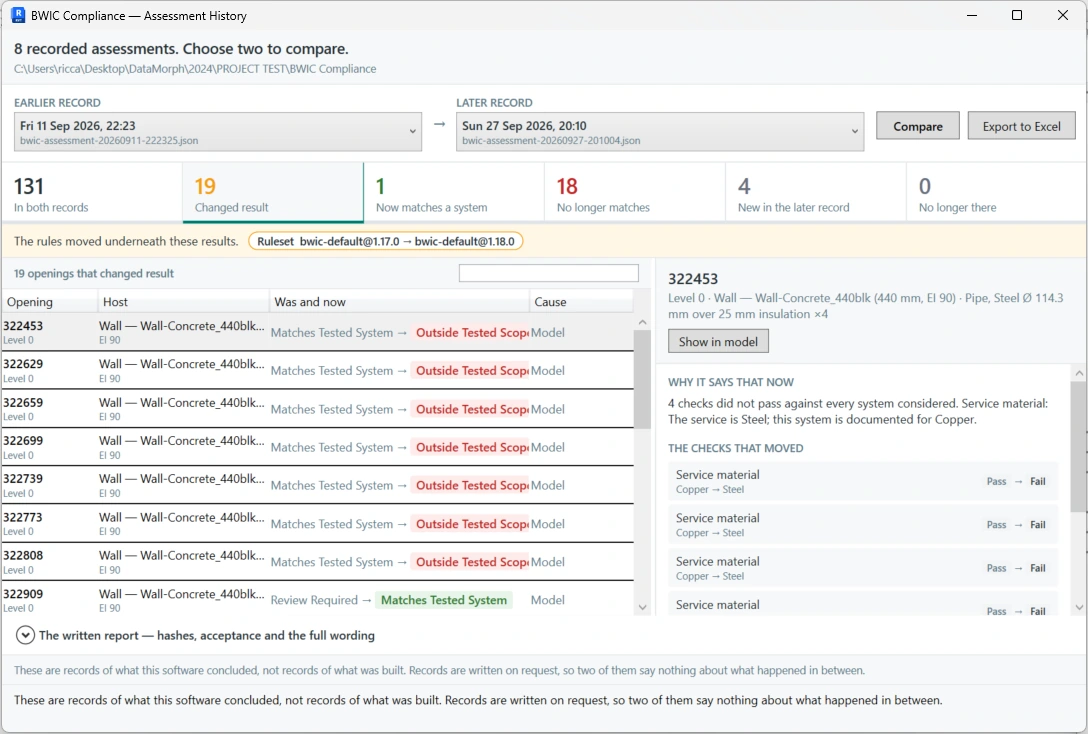
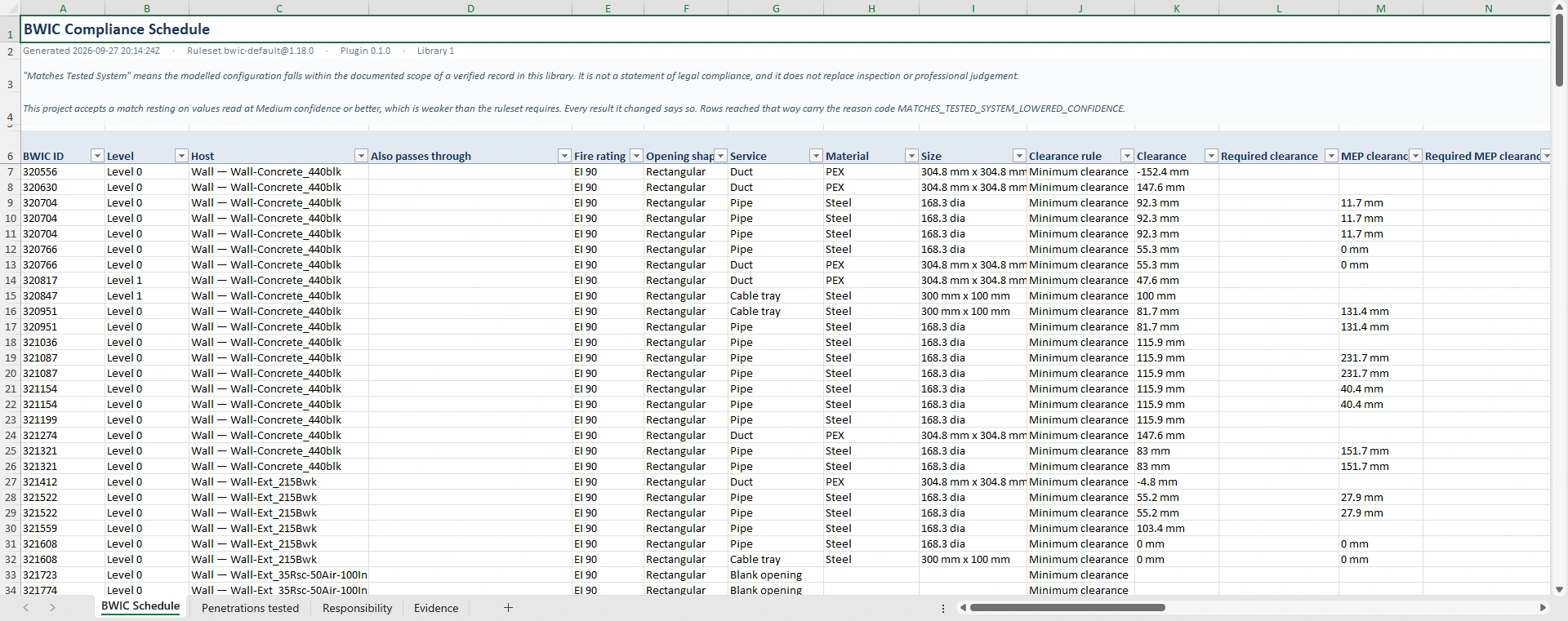
BWIC Compliance tests every penetration against 29 criteria.
Built for Main Contractors and MEP Contractors
It finds builders work openings, works out which services pass through each one and what construction hosts it, then compares that arrangement — criterion by criterion — against the documented scope of a verified record in your library.
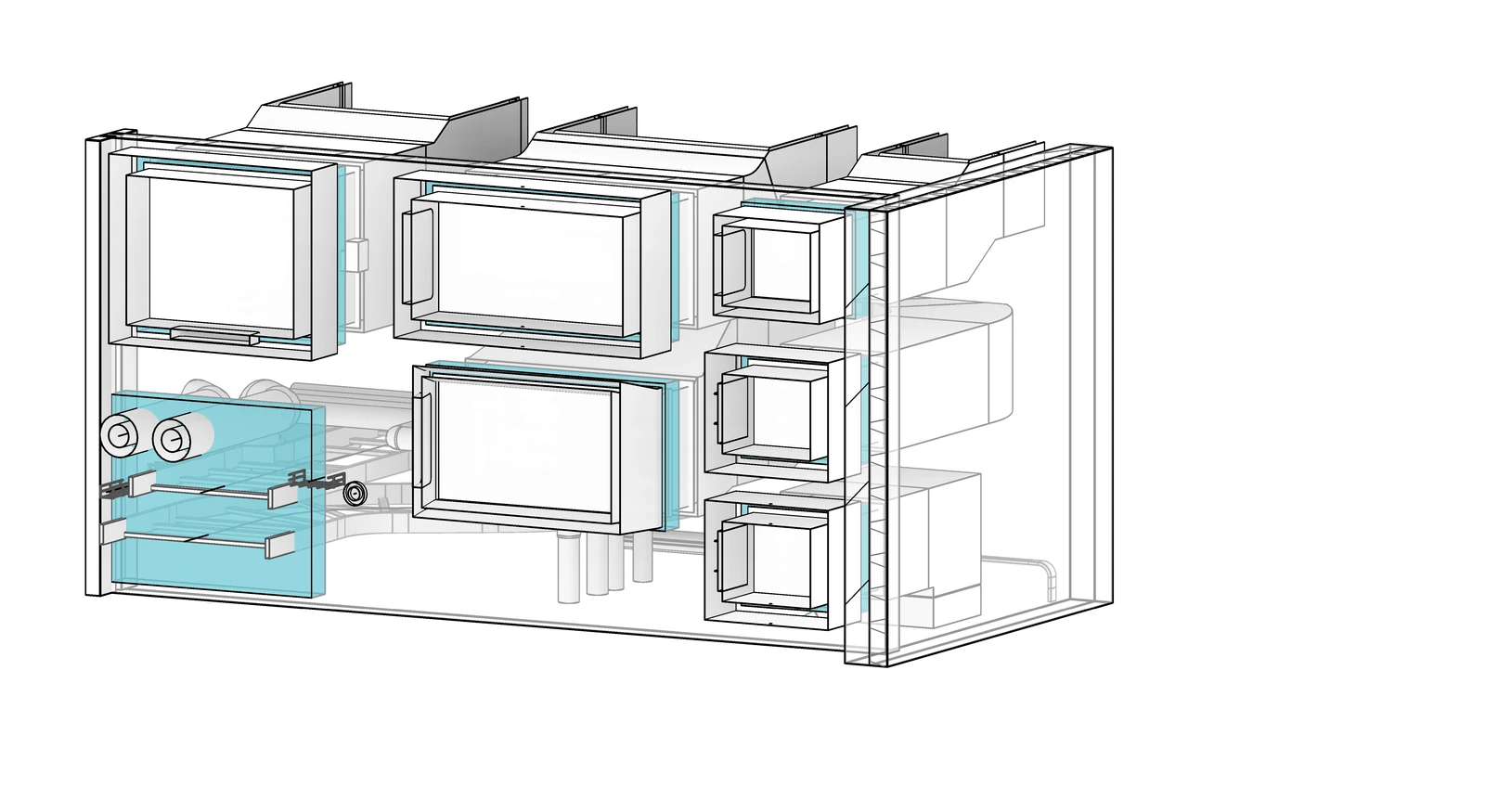
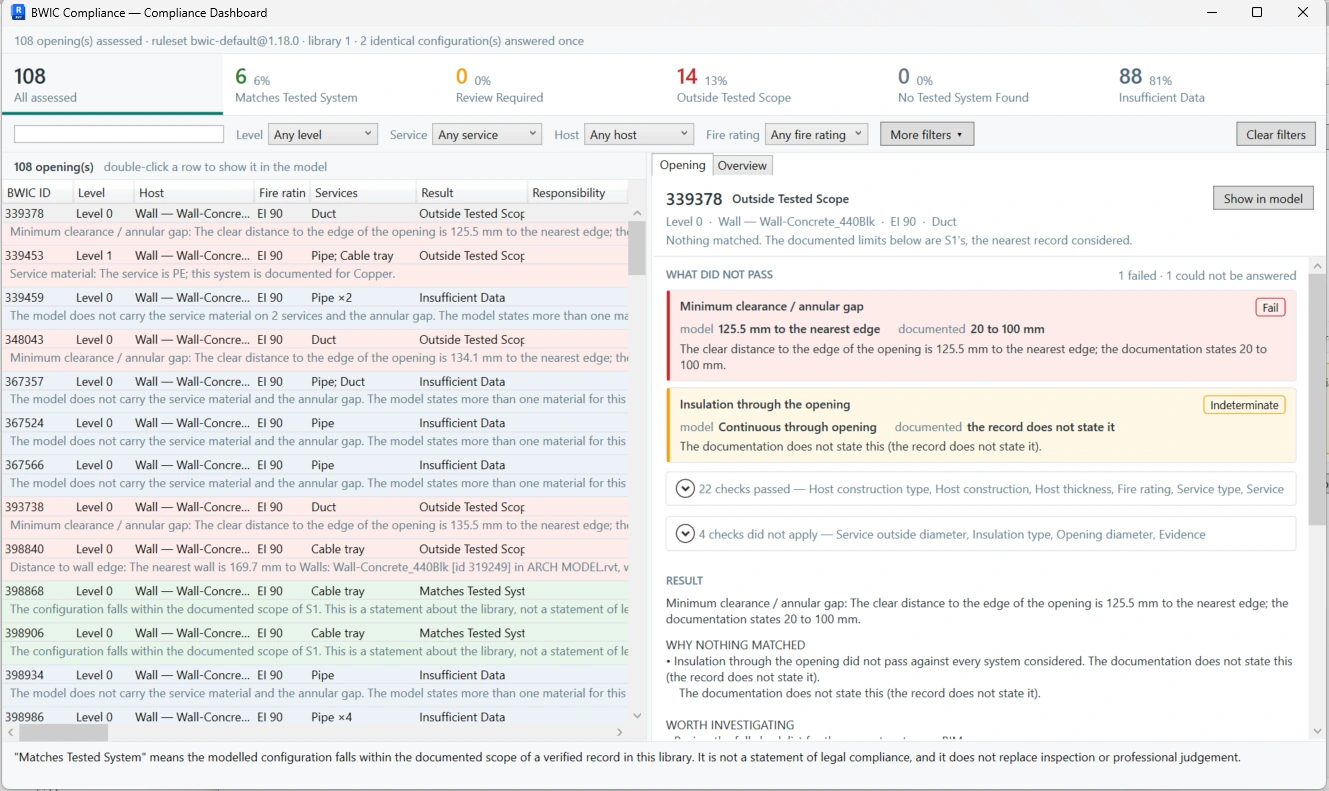
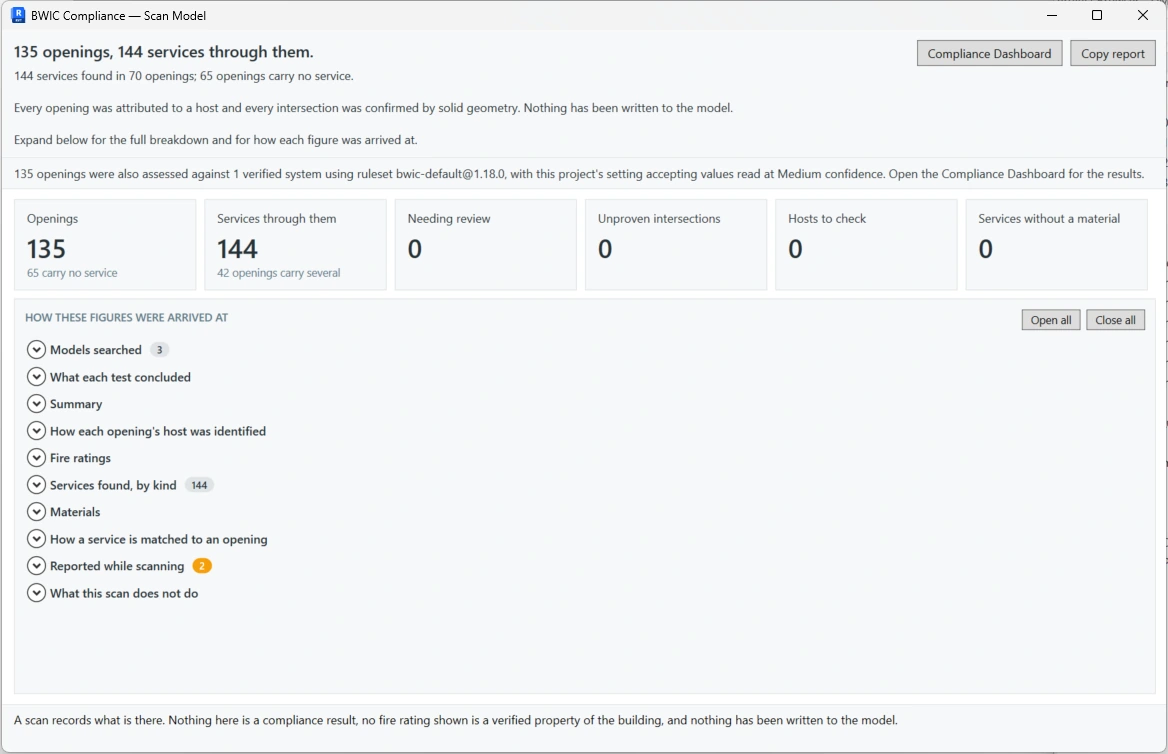
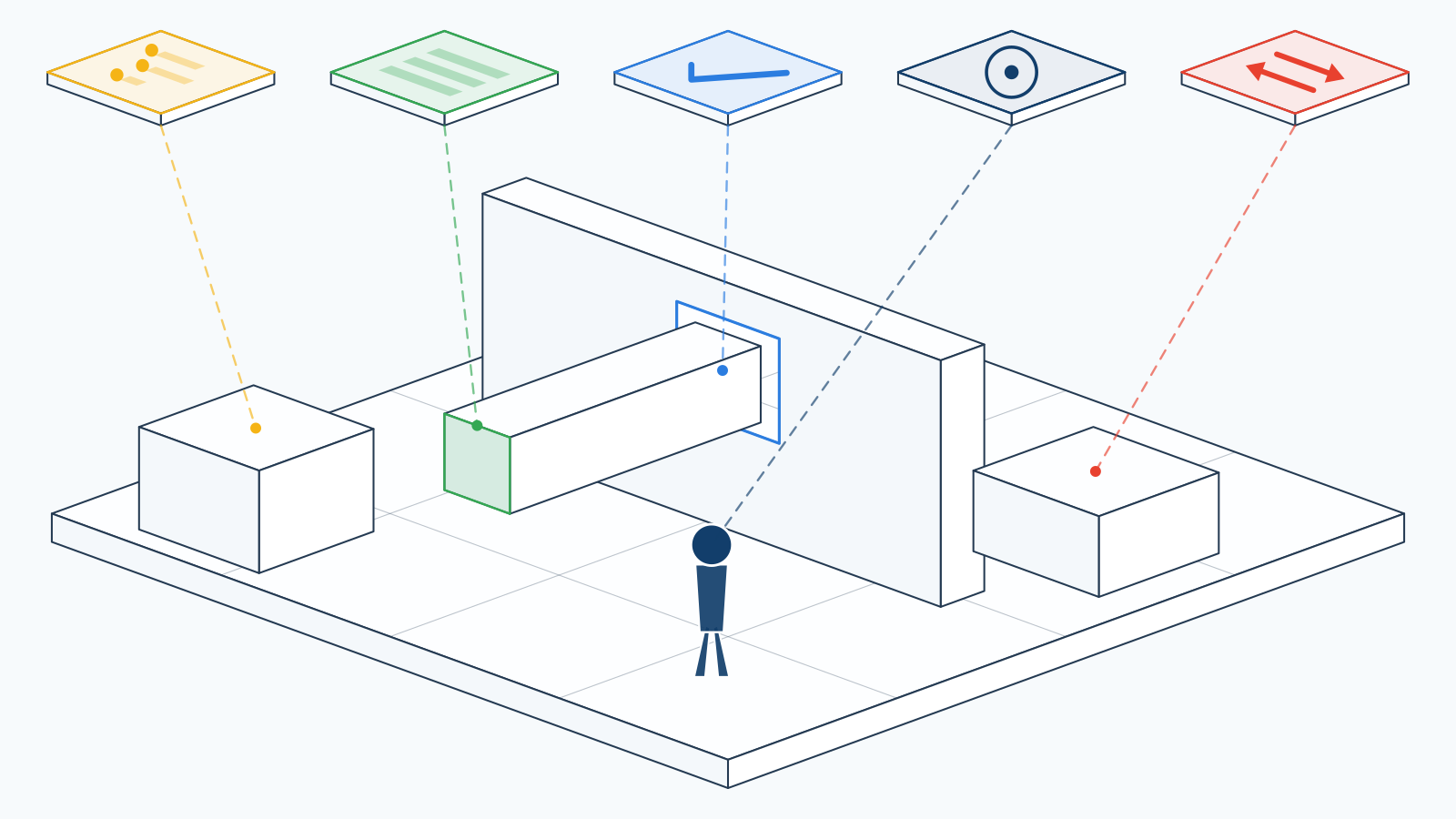
Left: the arrangement the ruleset is written against — every service through every opening, and the construction it passes through. Right: what the software makes of it.
Host construction
Construction type, construction family, thickness and fire rating of the wall, floor, roof or ceiling the opening passes through.
The service itself
Type, material, outside diameter, width and height — plus whether it is insulated, with what, how thick, and whether that insulation runs continuously through the opening.
Position and clearance
Whether the service actually sits inside the opening, the annular gap around it, clearance to other services, and distance to other openings, wall edges, doors, windows and slabs.
The opening
Shape, diameter, width and height, the percentage of the opening filled, and how many services share it.
Evidence
Whether the penetration geometry was proven rather than assumed, what the documentation rests on, and whether the record has actually been verified.
Also from Neosphyr
And when you would rather just walk in and look.
Avatar puts you inside the model at eye level — stairs, doors and thresholds included. Click anything under the crosshair for its category, family, type and Element ID, measure between points, and place markups that save into the Revit file and export as BCF 2.1.

Why Neosphyr
Built around the real workflow
Openings and the services through them, quantities out to Excel, results written back to parameters, model data checked before it causes rework.
Current with AI and machine learning
We follow the research as it moves and build with it where it earns its place — in software that shows its working, says so when it cannot establish something, and never trains on your project data. What we hold ourselves to.
Compatibility
Runs where your projects already are.
No migration, no cloud account, no change to how your models are stored. Each plugin installs into Revit and appears on its own ribbon tab.
- Revit versions
- 2024 · 2025 · 2026 · 2027
- Operating system
- Windows
- Runtimes
- .NET Framework 4.8 (2024), .NET 8 (2025–2026), .NET 10 (2027)
- Not supported
- Revit 2023 and earlier · macOS
- Licence activation
- Per named user, up to two devices each
Trials and licensing
Evaluate first, then decide.
Every product has a free 14-day trial and no feature is switched off in any of them. What differs is how much you can put through it — and those limits are stated plainly below.
| Product | Trial length | What is limited |
|---|---|---|
| BWIC Compliance | 14 days | 50 checks, and 50 openings per export |
| BWIC Extractor | 14 days | Excel export capped at 50 openings per file. Analysis is unlimited |
| Model Inspector | 14 days | Nothing — no volume limit |
| Parameter Exchange | 14 days | Export capped at 10 rows per file. Import and preview are unlimited |
| Avatar | 14 days | Nothing — no volume limit |
Nothing is switched off
A trial runs the complete product. Where there is a cap it is on volume, not capability — you are never evaluating a cut-down version.
Annual, per named seat
Licences are annual subscriptions sold per named seat, and each product is licensed separately. Every seat covers two devices for the same individual.
14-day refund guarantee
If a licence is not right, tell us within 14 days of your order confirmation and we refund that licence period in full. No reason needed.
Pricing
Entry price for each product.
All prices are annual, per user, in pounds sterling and exclude VAT. Multi-user, Business and Corporate tiers are on the pricing page.
Downloads
Get set up in minutes.
One signed installer per product. Revit 2024 to 2027.
It finds the versions you have and ticks them for you. Add a new Revit next year — Modify, and nothing else moves.
Start with a trial, not a sales call.
Download it, open Help inside Revit, start the 14-day trial. Every feature is on, and nobody has to approve anything.