
Revit plugin
BWIC Compliance
Know which BWIC openings your documentation actually covers.
BWIC Compliance finds builders work openings in your Revit model, tests every service passing through them against your tested-detail library, and explains every result it reaches.
Overview
One disciplined question, asked of every opening.
BWIC Compliance reads your model, finds builders work openings, works out which services pass through each one and what construction hosts it, then asks one question: is there a verified record in your library whose documented scope covers this exact arrangement?
Every answer arrives with the checks behind it — the model value, the documented value, and a verdict of Pass, Fail or Indeterminate. Results that cannot be established say so. A check that cannot be answered never passes, and missing model data is reported as missing rather than assumed.
Capabilities
What it does
Scope-controlled scanning
Scan the active view or the whole model. Opening categories — shaft, wall, floor, roof, ceiling and generic model families — are chosen per run, with a live candidate count before you commit.
Federated model support
Each loaded link is listed separately, and you decide whether it supplies hosts, services or neither. Openings, walls and MEP can each sit in a different file and still be scanned together.
Solid-geometry intersection
Candidate pairs are narrowed by bounding box, then confirmed by solid intersection. Geometry that fails is recorded as unproven and surfaced — never quietly counted as an empty opening.
Check-by-check explanation
Every opening shows each comparison made, grouped into checks that passed, checks that did not, and checks that did not apply, with the reason stated in plain English.
Tested-detail library
Build your own library through a wizard covering host construction, penetrating service, opening configuration, installation requirements and evidence, with draft, verified and archived states.
Ranges, never assumptions
Limits are entered as documented ranges, and an empty box means “no limit stated” rather than no limit. Unstated documentation produces an Indeterminate check and a review, not a pass.
Assessment history and diff
Compare two recorded assessments to see which openings changed result and whether the cause was the model or a change of rule set or library. Both hashes are recorded with every run.
Excel reporting
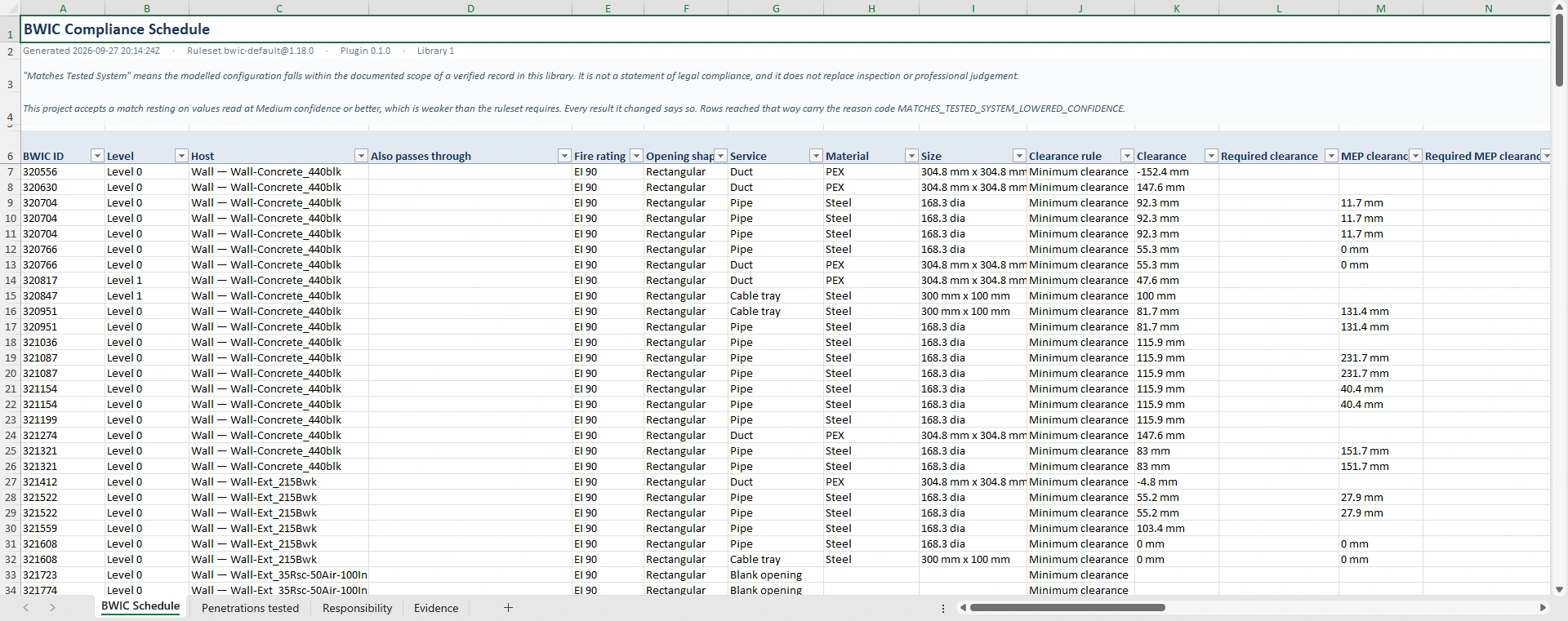
Export the compliance schedule with penetration, responsibility and evidence sheets. Openings can be assigned to subcontractor packages and written to a text instance parameter.
The ruleset
29 criteria, and the reason behind each one.
The shipping default is bwic-default v1.18.0: 29 criteria plus 7 required-data gates. Each criterion compares one model value against one documented limit and returns Pass, Fail or Indeterminate — with both values shown.
A penetration is never one measurement. It is the construction the service passes through, the service itself, the space left around it, and everything nearby that the documentation puts a limit on — another opening, a wall edge, a window, a slab. The criteria below are grouped the way that arrangement is read.
| Group | Criteria | What is compared |
|---|---|---|
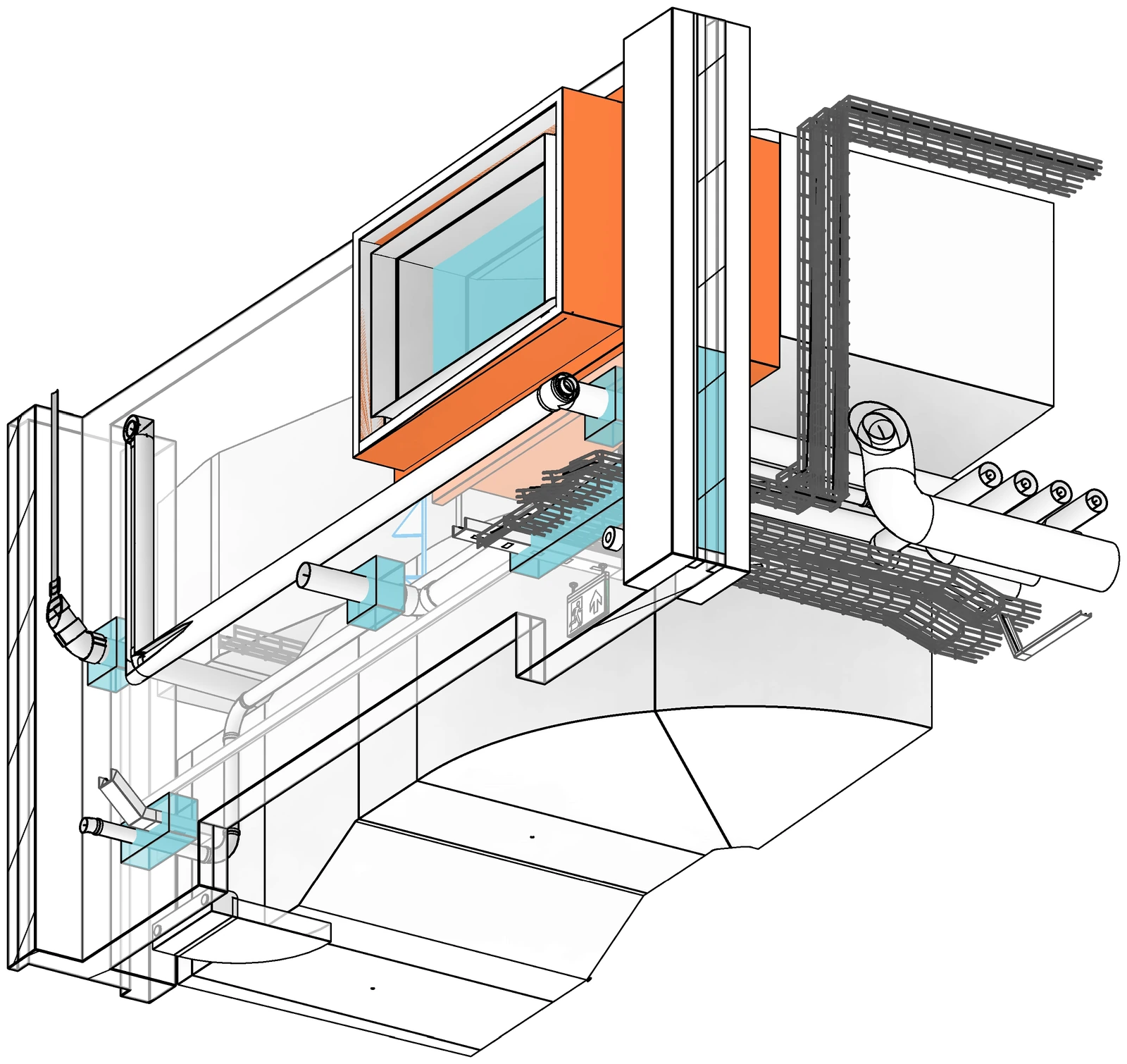
| Host construction | 4 | Construction type · construction family · thickness · fire rating |
| The service | 9 | Type · material · outside diameter · width · height · insulation present · insulation type · insulation thickness · insulation continuity through the opening |
| Position and clearance | 7 | Service inside the opening · annular gap · clearance between services · distance to other openings · to the wall edge · to doors and windows · to floors and slabs |
| The opening | 6 | Shape · diameter · width · height · percentage fill · number of services sharing it |
| Evidence | 3 | Penetration geometry proven · basis of the documentation · verification state of the record |
| Required-data gates | 7 | Host kind, thickness, fire rating and material family; service type and material; annular gap — each with a defined outcome when the model does not carry it |
What each group is looking at
The same six groups, in the same order — and what each one is actually measuring on the model.
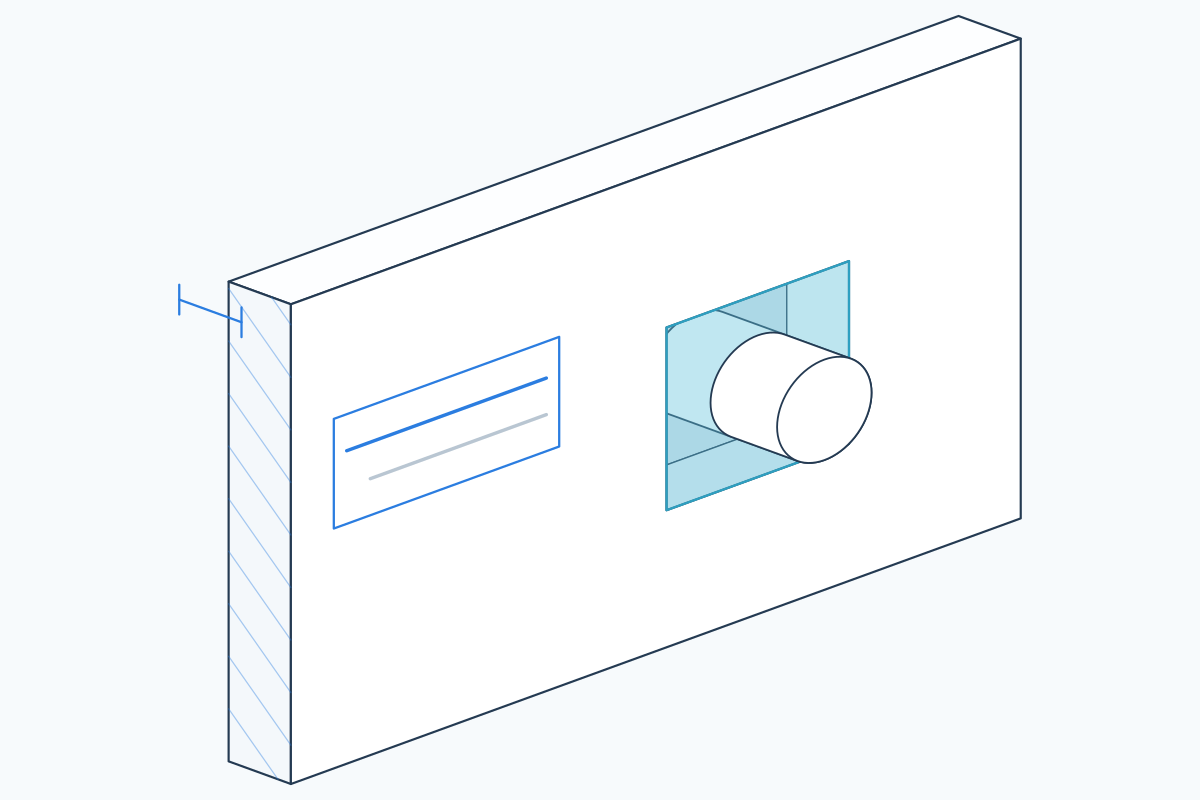
4 criteria
Host construction
What the opening is cut through: its type and family, how thick it is, and the fire rating it has to hold. A tested system is documented against a construction, never against a bare hole.
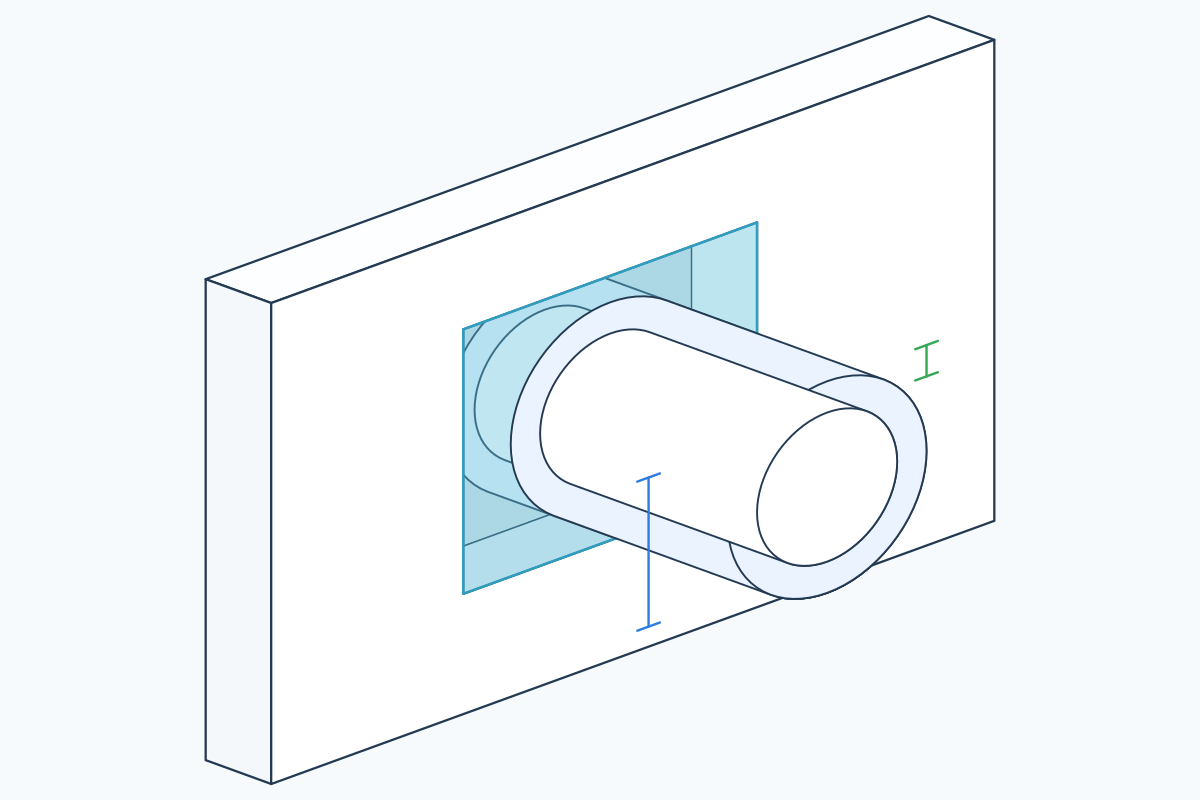
9 criteria
The service
What passes through: type and material, outside dimensions, and whether it is insulated — with what, how thick, and whether that insulation runs unbroken through the opening.
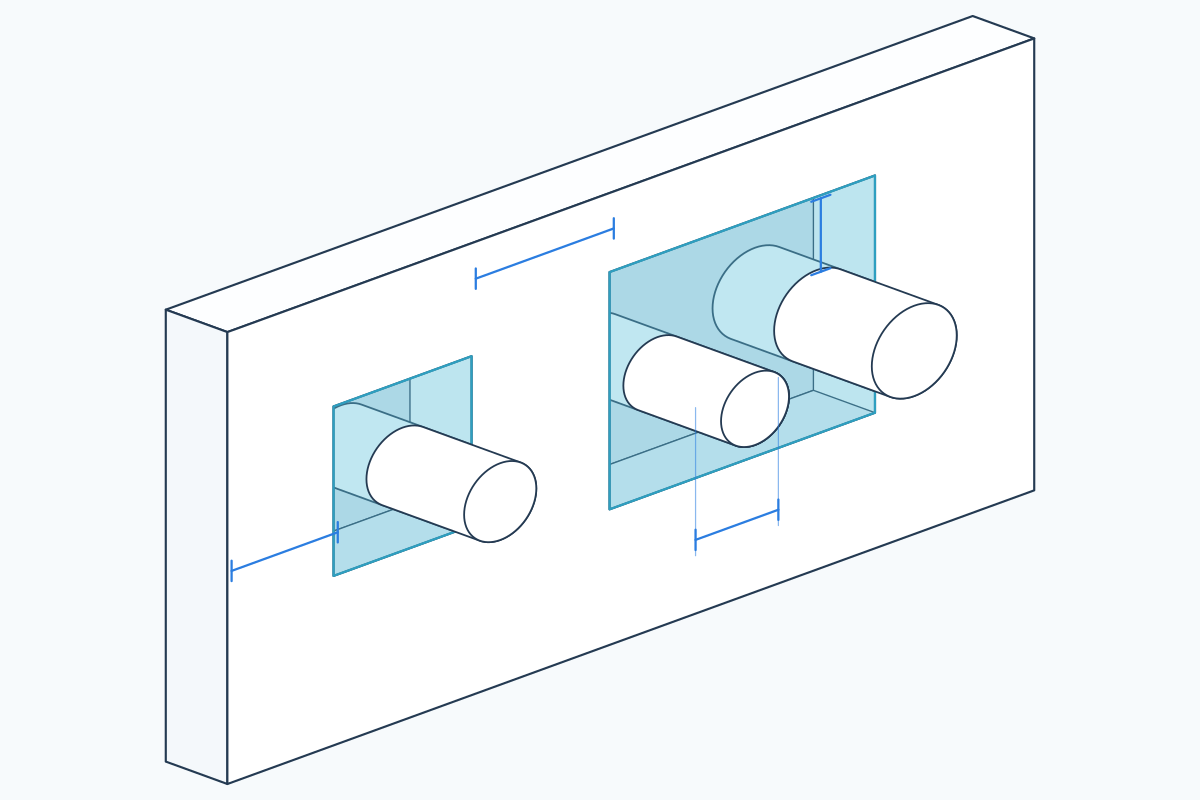
7 criteria
Position and clearance
Where the service actually sits. Whether it is inside the opening at all, the gap left around it, and how close it is to the next service, the next opening, the wall edge, a door or a slab.
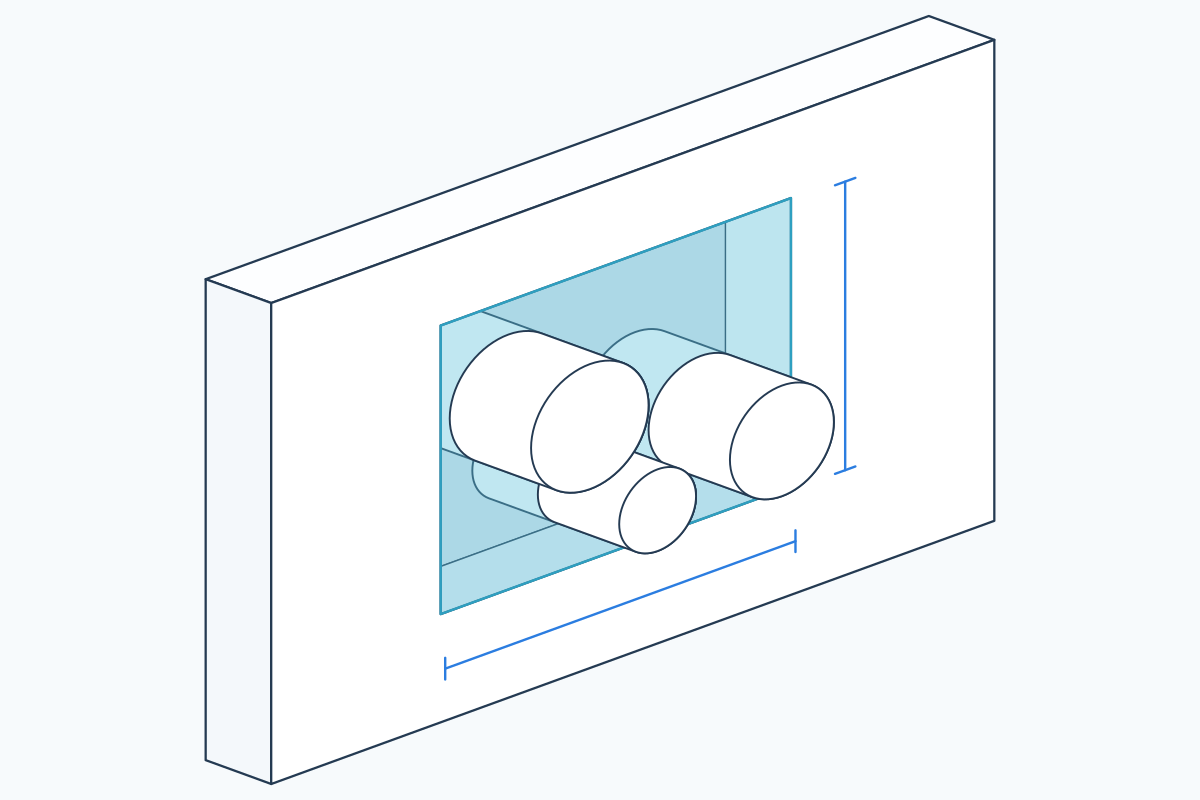
6 criteria
The opening
The hole itself: its shape and size, how much of it the services fill, and how many of them share it.
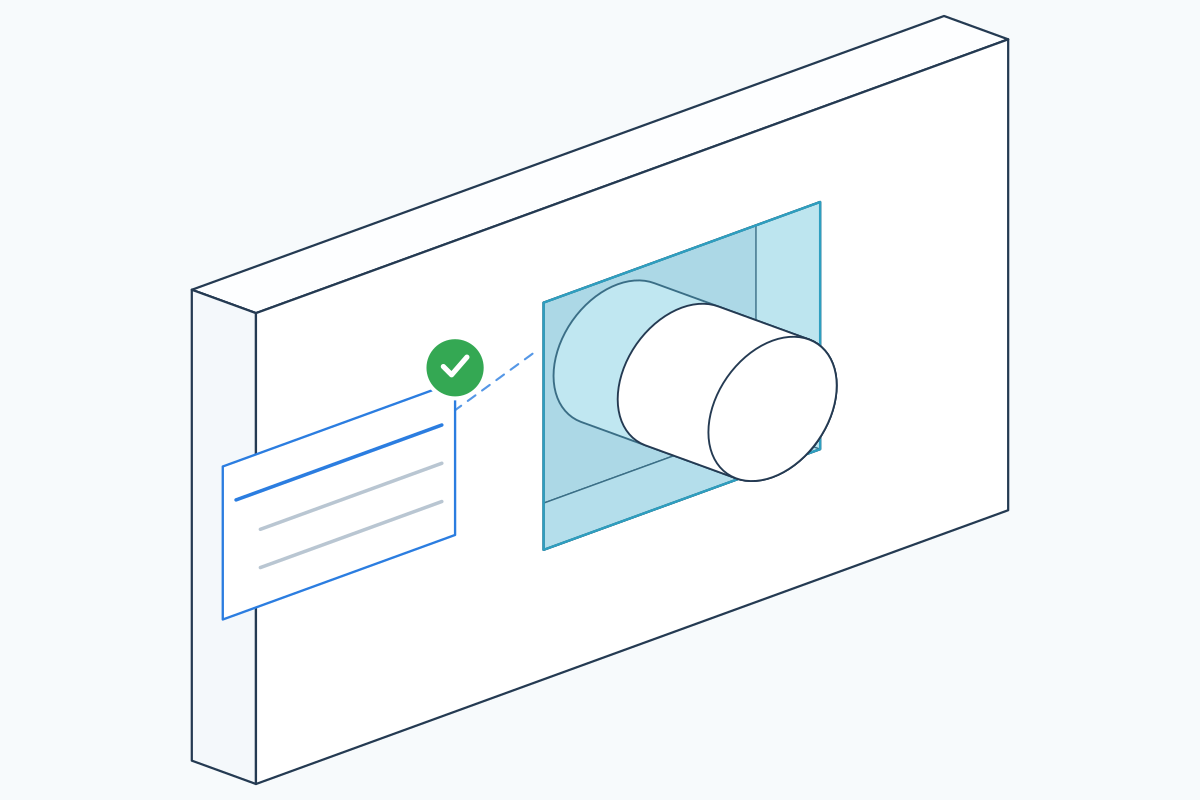
3 criteria
Evidence
Whether the penetration geometry was proven rather than assumed, what the documentation rests on, and whether a person has actually verified the record.
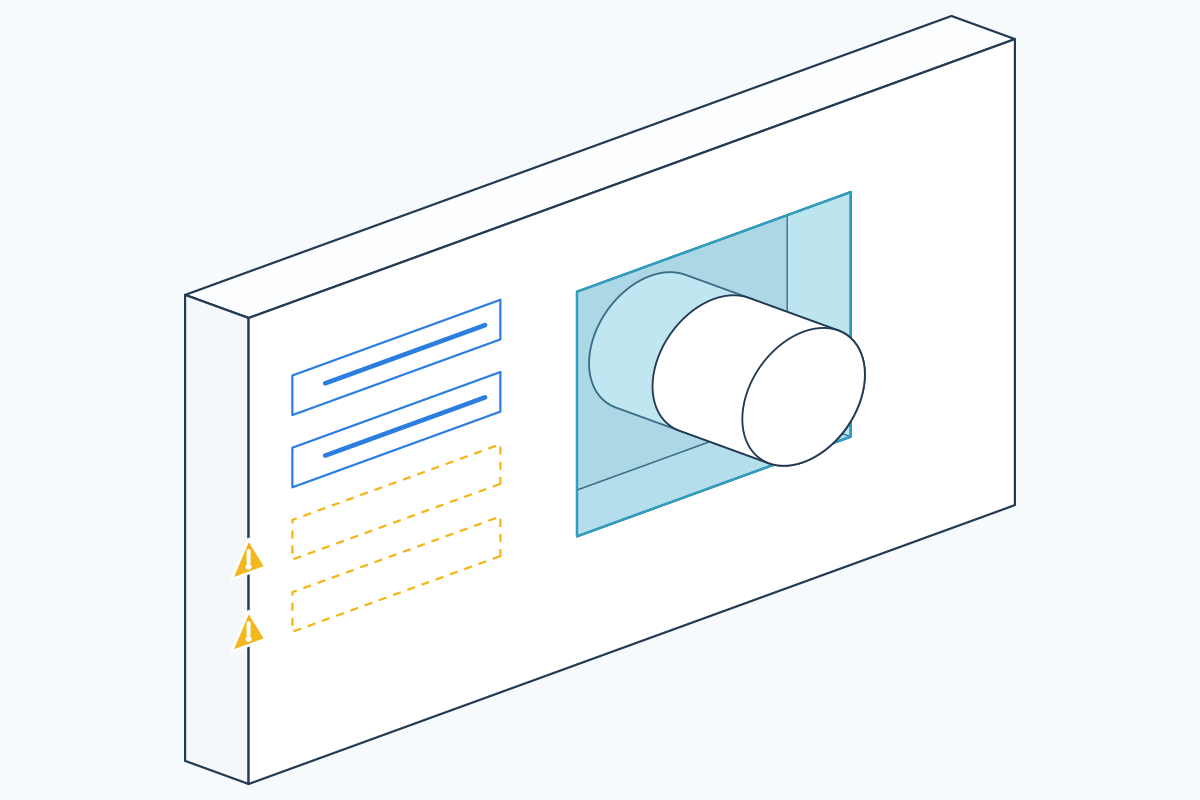
7 criteria
Required-data gates
Seven values the ruleset cannot proceed without. When the model does not carry one, the outcome is defined in advance — it goes to review. It never quietly passes.
Ranges, not assumptions
Limits are entered as documented ranges. An empty box means the documentation did not state a limit — which produces an Indeterminate result and a review, never a pass.
Criteria that switch off honestly
A check that cannot apply is reported as not applicable with the reason written out — a bare cable ladder is not asked about insulation continuity, and the row says why.
Versioned and hashed
The ruleset identifier and its content hash are recorded with every assessment and printed in every export, so a result can be reproduced and two runs can be compared.
Results
Five answers, and only five.
Every opening lands in one of these states. There is no sixth state that quietly means “probably fine”.
Matches Tested System
A verified record in your library documents a scope that covers this configuration. This is a statement about your library, not about the law.
Review Required
Something could not be established — a documented limit was not stated, or a model value was missing. It goes to a person, not to a pass.
Outside Tested Scope
The nearest records considered were checked and one or more comparisons failed. The failing checks are named with both values.
No Tested System Found
Nothing in the library is close enough to assess against. The gap is in the library, and the software says so rather than guessing.
Insufficient Data
The model does not carry enough information to attempt the comparison. The blocking parameters are named so they can be fixed.
How it works
From model to issued schedule.
Set up, then set the scope
Record the tested details the run will be judged against, and open Map Materials: it lists every material name the models actually carry and shows which ones the software cannot read or finds too general, so a link full of materials your tested detail was never written against is visible before the scan rather than after it. Then choose the active view or the whole model, which opening categories count, which linked models supply hosts and which supply services, and which Revit categories count as a service.
Scan
The add-in collects candidate openings, resolves each one's host construction, and confirms every service intersection by solid geometry.
Read the scan summary
Openings, services through them, unproven intersections, hosts to check and services without a material are reported, with an expandable account of how each figure was reached.
Open the dashboard
Openings are grouped by result and filterable by level, service, host and fire rating, each row carrying a plain-English reason.
Inspect an opening
See what did not pass, what did, the nearest records considered and suggested avenues for investigation. Double-click to show the opening in the model.
Export
Produce the standard or extended schedule for issue, and compare it later against any earlier recorded assessment.
Benefits
What changes day to day
- Every result traces back to a named check, a model value and a documented limit.
- Nothing is assumed — unanswerable checks go to review rather than passing.
- Openings, hosts and services can live in separate federated files.
- Your library, your evidence, your verification. Nothing is bundled or asserted for you.
- Results are reproducible: rule set, library and plugin versions are recorded with each run.
- Coordination work is issued as an Excel schedule, by responsibility package.
Specification
The facts
- Revit versions
- 2024 · 2025 · 2026 · 2027
- Runtimes
- .NET Framework 4.8 (2024) · .NET 8 (2025, 2026) · .NET 10 (2027)
- Not supported
- Revit 2023 and earlier · macOS
- Hosts recognised
- Walls, floors, roofs, ceilings
- Services recognised
- Pipes, ducts, cable trays, conduits, their fittings and accessories, air terminals, fabrication pipework and ductwork, containment, insulation, electrical circuits, wires and mechanical equipment
- Linked models
- Searched for hosts and services. Writing a parameter into a link is refused.
- Library storage
- Local database, scoped global, company or project
- Rule sets
- Versioned and content-hashed, recorded with every assessment
- Export
- Excel — compliance schedule with penetration, responsibility and evidence sheets, plus assessment comparison workbooks
- Model write-back
- Package and responsibility written to a text instance parameter, on demand. A scan writes nothing.
- Result states
- Matches Tested System · Review Required · Outside Tested Scope · No Tested System Found · Insufficient Data
Pricing
BWIC Compliance licences
Annual, per named seat, two devices each. Every plan is the complete product — the tiers differ only in how many people may use it.
All prices exclude VAT. Any tax that applies where you are is calculated and shown at checkout.
| Plan | Seats | Per year, excl. VAT |
|---|---|---|
| Individual | 1 user | £750 |
| Multi User | 3 users | £1,950 |
| Business | 10 users | £5,500 |
| Corporate | 25 users | On request |
Download
Get the installer
Version 1.0.6, signed, free to download. One installer covers Revit 2024, 2025, 2026 and 2027 — it detects what you have and ticks those versions for you.
You will need a licence key to use it, and a 14-day trial key is free. System requirements · Ask for a trial key
BWIC Compliance
Revit 2024 · 2025 · 2026 · 2027 — Windows
1.0.6·5.7 MB·MSI·signed
Test project
A sample project to scan
If you do not have a model with builders work openings to hand, this one is ready to go: a main model with an architectural and an MEP link, openings already modelled, and one tested-detail data pack to import. Open the main model, import the pack from the Tested Details Library, and run a scan.
The records in it describe no real manufacturer, product or test report. They are there to show how the software behaves, and must never be used to justify anything that gets built.
Test project
Revit 2024 and later · three linked models + one data pack
Questions
Frequently asked
Does this certify that my openings comply with regulations?
No, and it never claims to. The software reports whether a configuration falls within the documented scope of a record in your library. That is a statement about your library's contents. It is not a statement of legal or regulatory compliance and it does not replace professional review — the disclaimer appears on the dashboard and on every exported schedule.
Does it come with a library of manufacturer systems?
No. It ships without third-party manufacturer data. The records it assesses against are the ones your own team enters and verifies, through the built-in wizard, with the evidence reference attached. Demo records are clearly marked as demonstration data.
What happens when the documentation does not state a limit?
An empty limit means “no limit stated”, not “no limit”. The check returns Indeterminate and the opening goes to Review Required. The software will not convert silence in a document into a pass.
Does it work with federated models?
Yes. Every loaded link is listed separately and you choose whether it supplies hosts, services, or neither. Openings, host construction and MEP can each sit in a different file.
Does it change my model?
A scan writes nothing. The only write-back is the responsibility or package value, into a text instance parameter, and only when you ask for it. Writing into a linked model is refused.
Can I prove an assessment later?
Yes. The rule set version, library hash and plugin version are recorded with every run and printed in the export header, and any two recorded assessments can be compared to show exactly which checks moved and whether the cause was the model or the library.
Try BWIC Compliance for 14 days.
Full functionality, no features disabled. Tell us your Revit version and we will set it up.